Receipts, transfers, issues, reservations, WIP, finished goods and kitting all run through one store engine, and every module posts into one stock ledger. So on-hand quantity, lot and per-bin stock, and inventory valuation reflect every movement from purchase, production and sales — not a set of registers that quietly disagree.
Every gram of stock enters, moves and leaves as a store document — and lands in one ledger the whole plant reads from. New to ERP inventory? Start with our guide, what is ERP software.
Stock doesn't move in a dozen unrelated ways. A goods receipt (REC), a transfer (TRA/DOT), an issue (ISS), a reservation (RES), work-in-progress (WIP), a finished-goods movement (FGM) and a kit (KIT) are all documents on one store engine. Because they share a header-and-line shape, there is one consistent way stock enters, moves and leaves — and one place to cancel, correct or trace a movement. A purchase GRN and a production WIP transfer speak the same language.
Total on-hand is rarely enough. A lot or pallet is a real unit of physical stock, carrying its own number (LPN), production date and expiry. Its location and status are held as an append-only pallet-to-bin history, where the latest row is where the lot is right now, while a separate per-bin balance answers "what is actually in bin A-04-2". A quick bin transfer re-slots a pallet without changing which store owns it. That lot detail is what lets quality quarantine or release stock by batch, and what a warehouse-grade deployment relies on.
This is the idea the whole module turns on. When purchase raises a GRN, when production books WIP and transfers finished goods, and when sales dispatch ships against a challan, each one posts a movement into the same stock ledger (STCKLG) and the same per-bin balance — nothing keeps a private register on the side. So on-hand quantity and inventory valuation reflect every movement across the plant at once, and the number stores see is the number accounts and Tally see. Stock transfers and bin transfers land in the same log, so a movement is always traceable end to end.
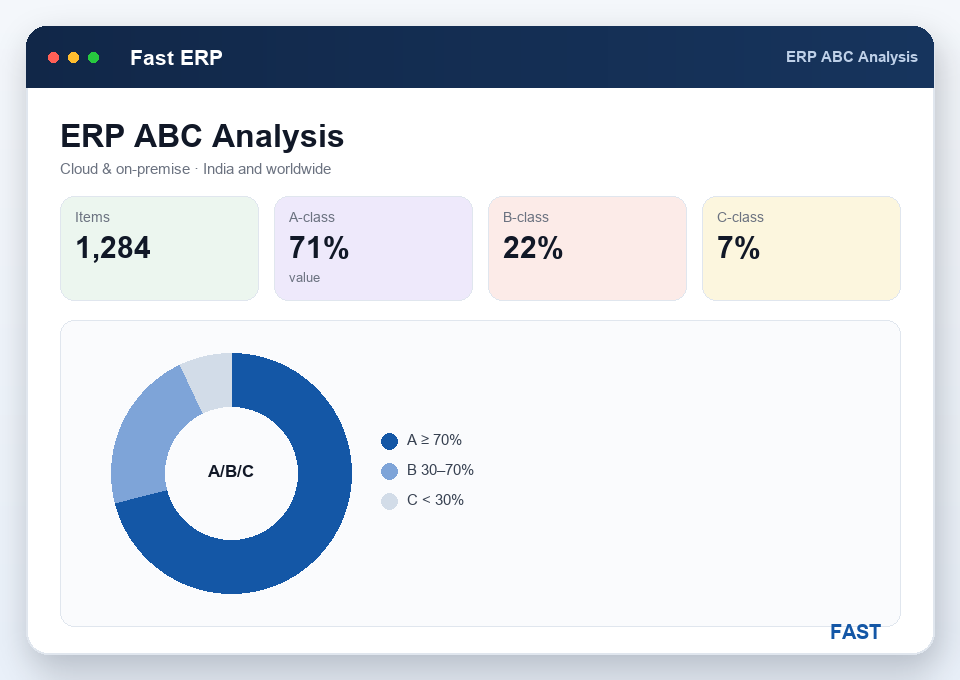
Because every movement is captured in one place, the analysis is trustworthy rather than reconstructed. ABC analysis ranks items by value or consumption into A, B and C classes so effort goes where the money is. Valuation totals current stock at cost for the balance sheet. Non-moving and slow-moving reports surface items that haven't moved — or barely move — over a period, so working capital stops sitting on the shelf. The same ledger drives stock MIS and the inventory role dashboards in Dhruv AI, so purchase, stores and finance argue from one set of numbers.
Receipts, transfers, issues, reservations, WIP, finished goods and kitting all run as documents of the same shape, so stock enters, moves and leaves one consistent way.
Track stock by lot or pallet with its own LPN, production date and expiry, and follow every pallet through an append-only pallet-to-bin location history.
Hold a live balance for every bin, not just an item total, so you know exactly where stock sits and can re-slot a lot with a quick bin transfer.
Every movement from purchase, production and sales posts to a single stock ledger, so on-hand quantity and valuation reflect the whole plant at once.
Move material between stores or locations as a store document, and re-slot lots between bins — both traceable in the same ledger.
Rank items into A / B / C classes, value stock at cost, surface non-moving and slow-moving items, and drive stock MIS from one trusted ledger.
Most inventory pain isn't counting — it's the drift between the stores register, the production tally and the accounts figure. Here is what changes.
Every physical stock movement — a goods receipt (REC), a transfer (TRA/DOT), an issue (ISS), a reservation (RES), work-in-progress (WIP), a finished-goods movement (FGM) or a kit (KIT) — is a document on one store engine. Because receipts, issues, transfers, WIP and FG all run through the same engine, there is one consistent way stock enters, moves and leaves, and one place to see it. A purchase GRN and a production WIP transfer are the same shape of document.
Yes. A purchase GRN posts a receipt, production posts WIP and finished-goods movements, and sales dispatch posts an outward movement — all into the same stock ledger (STCKLG) and the same per-bin balance. Nothing keeps a private register on the side, so on-hand quantity and inventory valuation reflect every movement at once, and stores, accounts and Tally see the same number.
Yes. A lot or pallet is a unit of physical stock with an LPN, production date and expiry. Its location and status are held as an append-only pallet-to-bin history, where the latest row is the current position, while a separate per-bin balance holds the live quantity in each bin. So you can answer both "what is in this bin" and "where is this lot right now" — the detail an automotive supplier needs for batch traceability.
A stock transfer (TRA/DOT) moves material between stores or locations as a store document and posts to the ledger. A bin transfer is a lighter move of a lot or pallet from one bin to another within a store — a re-slotting that updates the per-bin balance and the pallet-to-bin history without changing which store owns the stock. Both stay traceable in the same stock ledger.
Because every movement is captured in one ledger, ABC analysis ranks items by value or consumption into A, B and C classes, valuation totals current stock at cost, and non-moving and slow-moving reports surface items with no or low movement over a period. The same ledger feeds stock MIS and the inventory dashboards in Dhruv AI, so the numbers agree with what finance and purchase see.
Live demo on your own items — your receipts, transfers, issues, lots, bins, ABC and valuation. No generic slideshow.
