Turn a shortage into a category-wise Purchase Estimate, a checked-and-approved requisition, a follow-up-tracked purchase order, a goods receipt, a receipt inspection and a supplier bill matched to both — then post the Tally purchase voucher. One procure-to-pay flow, on one integrated cloud and on-premise ERP.
Procure-to-pay here isn't a disconnected buying spreadsheet — it rides the same document engine and stock ledger as stores, production and accounts. A shortage from MRP, a reorder level, or a requisition against a released BOM becomes a real, approved commitment with a full audit trail.
Demand becomes a Purchase Estimate (PE) raised by category — raw material, finished goods, capital, consumables, infrastructure, maintenance, NPD, tooling or services — so budgets and buyers stay separated by spend type. From there a Purchase Requisition (PR) captures the real need: raise it against a released BOM, against current stock and reorder levels, or as a PR-for-rejection when incoming goods fail inspection. The requisition is a request to buy, not yet a commitment to a supplier.
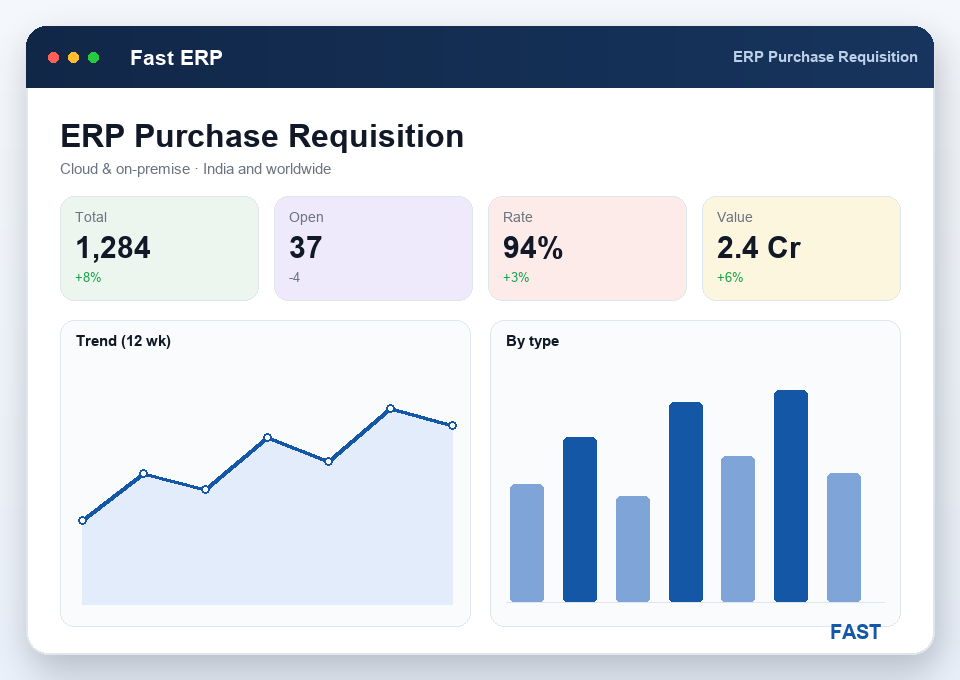
A requisition is checked and then approved before it can turn into an order — two distinct steps, each recorded against a user, so a buyer can't self-issue a commitment. Only an approved PR becomes a Purchase Order (PO) to a chosen vendor, carrying agreed price, quantity, tax and delivery terms. From then on the buyer follows the PO up to delivery on a single screen: pending quantity is simply ordered minus received, and pending, partial and overdue orders surface in purchase MIS without waiting for month-end.
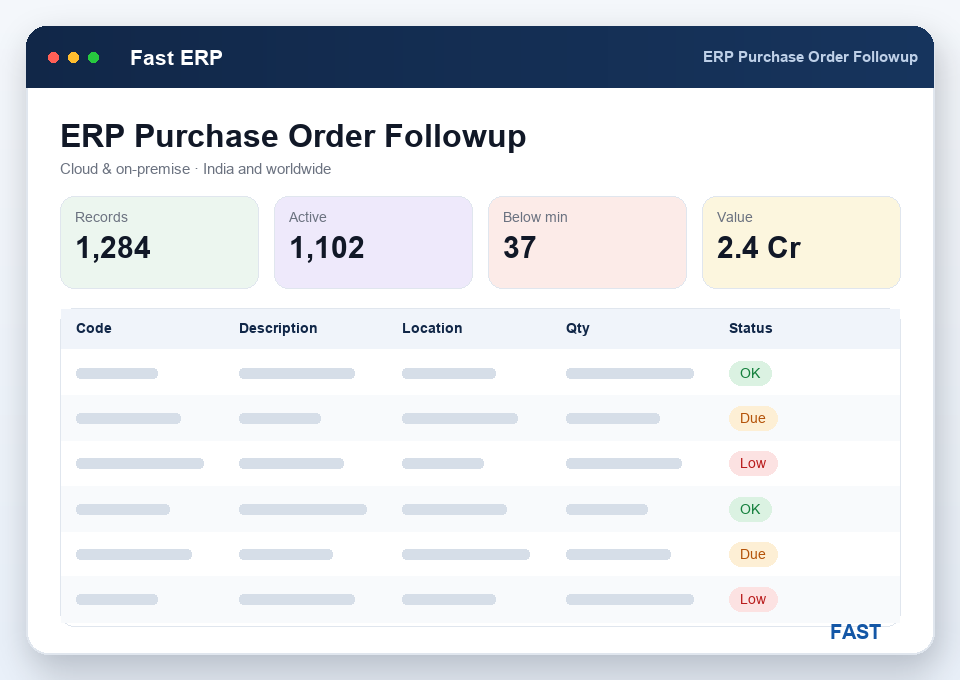
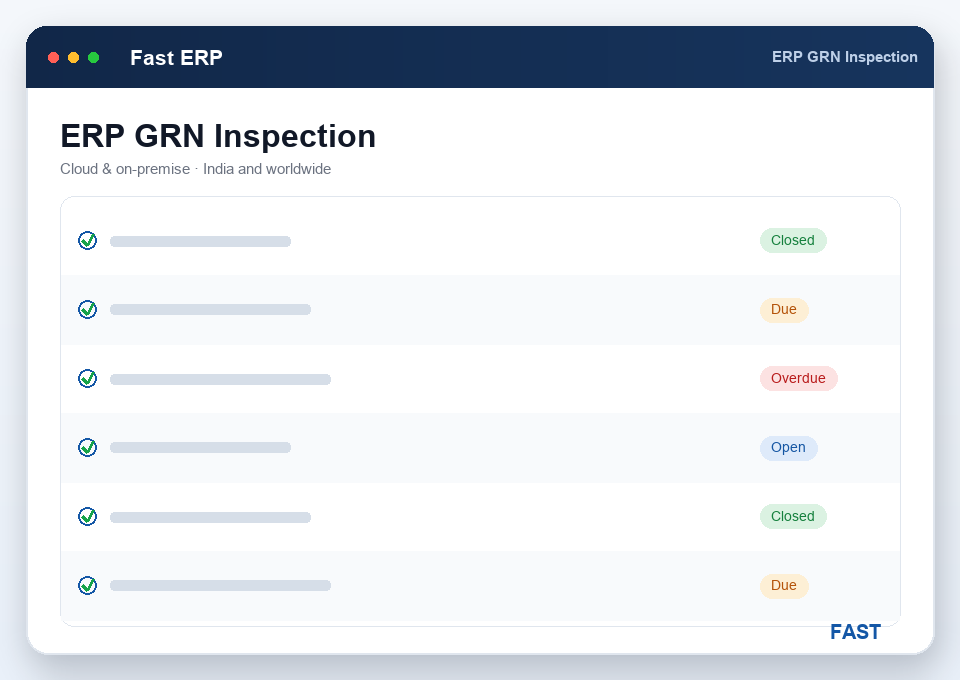
When material arrives you post a Goods Receipt (GRN) against the PO — receipt (REC) posts the quantity to stock and keeps ordered, received and accepted numbers separate, so short and partial deliveries stay visible. Then you inspect the receipt: each line is dispositioned accept (AC), reject (RJ) or accept-under-deviation (AD). Accepted quantity becomes usable stock; rejected quantity is held and can raise a PR-for-rejection or an NCR back to the supplier; a marginal lot can be released under a recorded deviation instead of stopping the line. GRN barcodes can be printed for putaway and traceability.
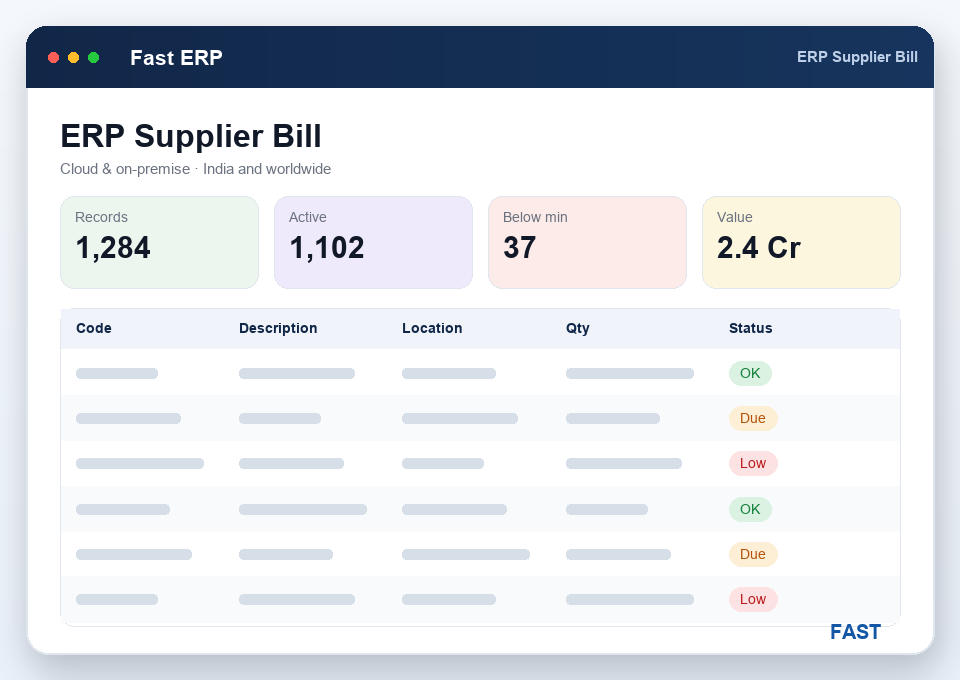
The supplier bill is matched to the goods receipt and the purchase order — a three-way match of ordered, received-and-accepted, and billed quantity and rate. Price, quantity or tax differences surface before approval, so you never pay for goods that were rejected, short-received or billed above the PO rate. Only a matched, approved bill posts a purchase voucher to Tally ERP 9 or TallyPrime and moves on to payment scheduling — with GST captured once at source and carried straight through.
Raise estimates by category — RM, FG, capital, consumables, infra, maintenance, NPD, tooling and services — so spend stays separated by type.
PR against BOM, against stock and reorder levels, or a PR-for-rejection — the real request to buy, before any commitment reaches a vendor.
Separate check and approval steps, each recorded against a user, so no buyer can self-issue an order — a full, traceable sign-off trail.
Issue the PO with price, tax and terms, then follow it up to delivery — pending and overdue orders surface in PO and pending-PO MIS.
Post a GRN against the PO with barcode printing, then inspect the receipt as accept (AC), reject (RJ) or accept-under-deviation (AD).
Three-way match the bill to GRN and PO, approve it, and post the purchase voucher to Tally — then schedule payment through accounts.
Most purchase leakage isn't fraud — it's an order placed without approval, goods accepted without inspection, or a bill paid without matching the receipt. New to the category? Start with what is ERP software?
A purchase requisition (PR) is an internal demand — a request to buy, raised from a shortage, a reorder level, or an exploded BOM, then checked and approved inside the company. It commits no money and goes to no supplier. A purchase order (PO) is the external, approved commitment sent to a chosen vendor with agreed price, quantity, tax and delivery terms. In Fast ERP the PR is verified and released first; only an approved PR becomes a PO, so no order reaches a supplier without an internal sign-off. Shortages can flow straight from planning & MRP.
When goods arrive you post a Goods Receipt (GRN) against the PO, then inspect that receipt. Each line is dispositioned as accept (AC), reject (RJ) or accept-under-deviation (AD). Accepted quantity posts to usable stock; rejected quantity is held and can raise a PR-for-rejection or an NCR back to the supplier; accept-under-deviation lets a marginally out-of-spec lot be used under a recorded concession instead of stopping the line. The GRN keeps ordered, received and accepted quantities separate, so short and partial receipts stay visible. Rejections branch into quality & APQP.
Yes. The supplier bill is matched against the goods receipt (GRN) and the purchase order (PO) — a three-way match of ordered, received-and-accepted, and billed quantity and rate. Differences in price, quantity or tax surface before approval, so you don't pay for goods that were rejected, short-received or billed above the PO rate. Only a matched, approved bill moves on to payment scheduling through accounts & finance.
Yes. Once a supplier bill is approved, Fast ERP posts the corresponding purchase voucher to Tally ERP 9 or TallyPrime, with the ledger, tax and amount already carried from the matched GRN and PO. Goods receipts and supplier bills flow to accounting without re-keying, so purchase, stores and finance stay on the same numbers and GST is captured once at source. See the Tally integration for how both sides post.
Purchase MIS shows pending PRs, pending and partially received POs, and an on-time purchase view comparing promised delivery dates against actual GRN dates by supplier and item. Pending quantity is simply ordered minus received, so short-closed and overdue orders are obvious. Buyers follow up open POs from a single follow-up screen, and management sees on-time performance and vendor reliability live through Dhruv AI dashboards.
A live walkthrough of Purchase Estimate, requisition, PO follow-up, GRN, receipt inspection and supplier-bill matching on parts and suppliers like yours — with the Tally voucher and AI purchase dashboards on top. No generic slideshow.
